Round 1 – Easy Three Letter Words
Children type twenty simple words such as cat, dog, sun, pen, and box. This round helps beginners practise turning individual letters into complete words.
Start word typing practice with twenty easy three-letter words.

This activity has five rounds. Words will change order each time, so children can practice fresh word typing again and again.
Audio is playing. Typing will unlock after the audio finishes.
You completed this word typing round.
Word typing practice helps children move from typing individual letters to typing complete words. This beginner activity gives children structured practice with easy words, school words, daily-use words, mixed beginner words, short word groups, the Space key, accuracy tracking, and mistake checking.
Start Word Typing Practice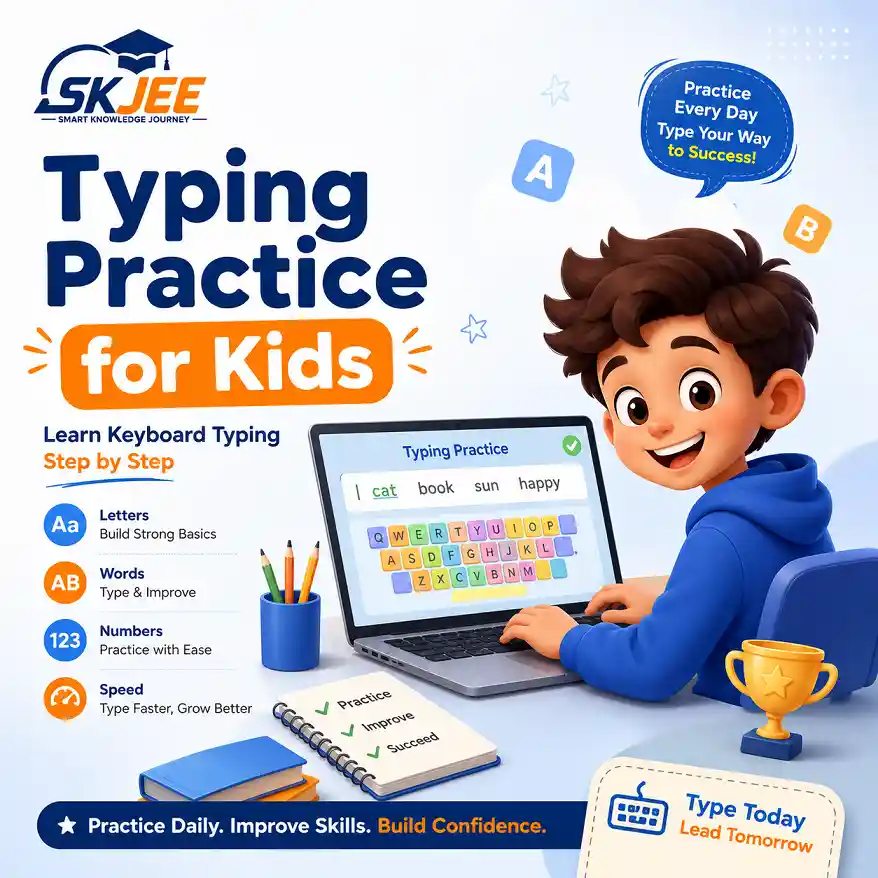
Word Typing Practice is a beginner keyboard activity for children who are ready to move beyond single-letter practice. Children type simple words one character at a time while using the on-screen keyboard and finger guide to recognize the correct keys.
The activity includes five progressive rounds along with time, accuracy, mistakes, progress, restart controls, settings, and fullscreen practice. The first four rounds contain twenty words each, while the final round introduces ten short word groups so children can practise using letters and the Space key together.
Words are shuffled when a round begins again. This gives children a fresh practice order and encourages them to recognize each word and keyboard position instead of memorizing only one sequence.
The five rounds gradually move from short beginner words to small groups of words so children can build confidence step by step.
Children type twenty simple words such as cat, dog, sun, pen, and box. This round helps beginners practise turning individual letters into complete words.
Children practise familiar school words such as book, desk, pencil, teacher, student, board, and ruler while building keyboard recognition.
Children type common everyday words such as apple, water, happy, green, play, read, home, and ball.
Children practise a wider mix of words such as keyboard, screen, typing, family, garden, and story.
Children type short word groups such as my book, red ball, I can type, and learn every day while practising the Space key between words.
Words change order when a round begins again, helping children practise recognition and typing instead of remembering only one fixed sequence.
Letter typing helps beginners learn where individual keys are located. Word typing builds on that foundation by asking children to find several letters in sequence and combine them into meaningful words.
This progression also introduces more natural keyboard movement. Instead of repeatedly finding one letter, children begin moving between different areas of the keyboard while maintaining the correct order of letters.
Short word groups add another important skill by teaching children when to press the Space key. These foundations prepare learners for later sentence and paragraph typing practice.
Parents and teachers can use this word typing practice page for short and regular keyboard sessions. Beginners should focus on pressing the correct keys before trying to type quickly.
A physical keyboard is recommended because it helps children learn real key positions, finger movements, and Space key use. Encourage children to look at the on-screen finger guide when needed, but gradually let them rely more on their memory of the keyboard.
If accuracy becomes low or a child makes many mistakes, repeat the current round before moving to the next one. Consistent short practice can help build stronger keyboard habits than rushing through every round at once.
Continue building keyboard skills with beginner typing activities for letters, numbers, and symbols.
Practise individual keyboard letters and strengthen key recognition before typing longer words.
Learn the number keys and practise typing digits accurately on the keyboard.
Prepare to type common keyboard symbols and practise using Shift with symbol keys.
These trusted educational resources provide additional guidance about keyboard skills, computer basics, and safe digital learning.
Free educational guidance covering keyboard typing skills, practice, and basic typing techniques.
GCFGlobal Computer BasicsBeginner-friendly lessons explaining computers, keyboards, operating systems, and common digital skills.
Google Be Internet AwesomeDigital safety and citizenship resources designed to help children develop safer and more responsible online habits.
Word typing practice is a beginner keyboard activity where children type complete words one letter at a time. It helps learners move from individual letter typing to practical word typing.
This word typing tool has five rounds. The first four rounds contain twenty words each, while the final round contains ten short word groups.
Accuracy should come first for beginners. Children should type slowly enough to press the correct keys and build good keyboard habits before trying to increase their typing speed.
The Space key separates one word from the next. Practising it with short word groups helps children prepare for sentence and paragraph typing.
After building confidence with words, children can continue with number typing, symbol typing, sentence typing, and eventually longer paragraph typing activities.