Small Letter Typing Practice
Small letter practice helps children recognise lowercase letters and learn where common alphabet keys are located on the keyboard.
Start letter typing practice with small letters and learn each keyboard key step by step.

This activity has four rounds. First listen to the audio instruction, then start typing with the highlighted key.
Audio is playing. Typing will unlock after the audio finishes.
You completed this typing round.
Letter typing practice helps children become familiar with keyboard letters through guided, step-by-step activity. The four practice rounds introduce small letters, capital letters, repeated key practice, Space, and Shift while providing audio instructions, highlighted keys, finger guidance, accuracy tracking, and mistake feedback. Beginners can focus on finding the correct keys first and gradually develop better keyboard control and typing confidence.
Start Letter Typing Practice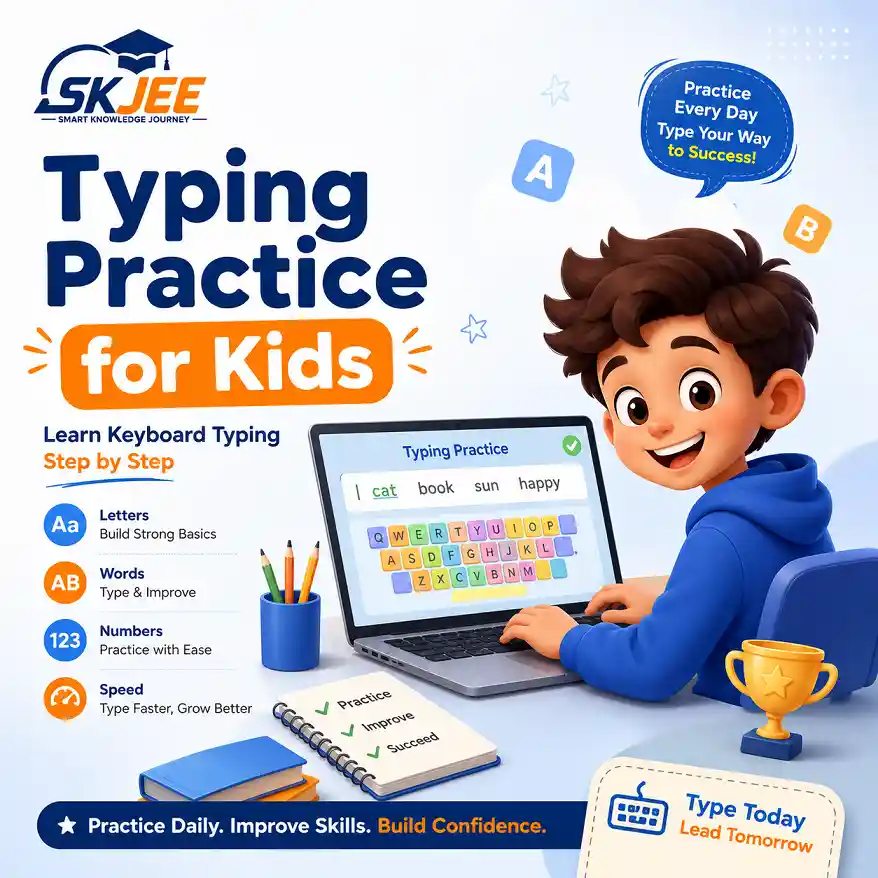
Letter Typing Practice is designed for beginners who are learning how letters are arranged on a computer keyboard. Children can practise lowercase and capital letters, repeat individual keys, use Space between words, and learn how Shift works while receiving visual and audio guidance.
The activity also displays time, accuracy, mistakes, and progress. These simple indicators can help learners notice improvement while encouraging careful typing before they begin word, number, and symbol practice.
The four typing rounds introduce several beginner keyboard skills that children will use later when typing words, sentences, numbers, and symbols.
Small letter practice helps children recognise lowercase letters and learn where common alphabet keys are located on the keyboard.
Capital letter practice introduces uppercase typing and helps children understand how letter keys can produce both lowercase and capital letters.
Repeating individual keys helps children remember keyboard positions and develop more consistent finger movement.
The Space key separates words. Children can practise using the thumb for Space while keeping their hands close to the keyboard.
Shift is used with letter keys to type capital letters and is also important for many symbols used in later typing activities.
Accuracy helps beginners build good keyboard habits. Children should first work on pressing the correct keys before trying to increase typing speed.
Parents and teachers can use this activity for short beginner keyboard sessions. Encourage children to look at the highlighted key, use the suggested finger when comfortable, and press keys carefully instead of rushing for speed.
A physical keyboard gives children more useful typing practice than an on-screen keyboard because they can develop familiarity with real key positions and finger movement. When a child becomes comfortable with a round, repeat it to improve accuracy before continuing to the next activity.
Continue building keyboard skills with beginner typing activities for words, numbers, and symbols.
Practise short words and learn how letters and Space work together while typing.
Learn the number keys and practise typing digits accurately on the keyboard.
Prepare to type common keyboard symbols and practise using Shift with symbol keys.
These trusted educational resources provide additional guidance about keyboard skills, computer basics, and safe digital learning.
Free educational guidance covering keyboard typing skills, practice, and basic typing techniques.
GCFGlobal Computer BasicsBeginner-friendly lessons explaining computers, keyboards, operating systems, and common digital skills.
Google Be Internet AwesomeDigital safety and citizenship resources designed to help children develop safer and more responsible online habits.
These common questions can help parents and teachers support beginners while children develop letter recognition, keyboard accuracy, and typing confidence.